

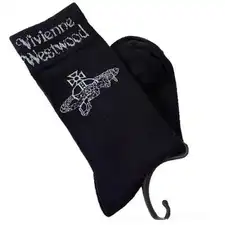
 Accessories
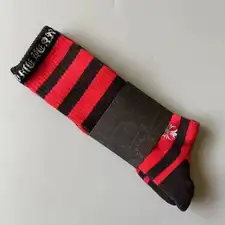
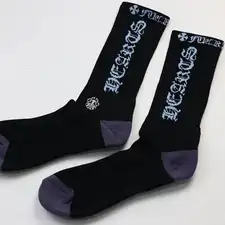
Orb Graphic Crew Socks
$17.36Weidian
Bags, jewelry & extras from FindSpreadsheet. Open a listing to check its source and available QC photos.
FindSpreadsheet catalog
Accessories Accessories
 Accessories
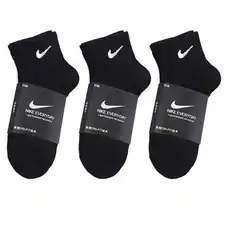 Accessories
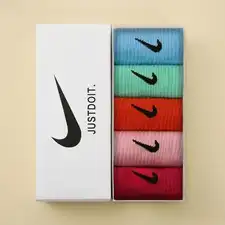 Accessories
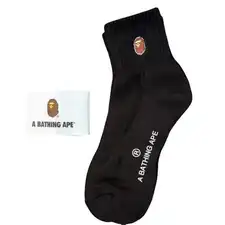 Accessories
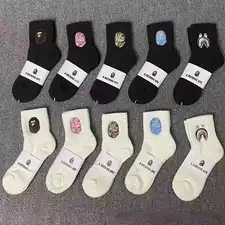 Accessories
 Accessories
 Accessories
 Accessories
 Accessories
 Accessories
 Accessories
 Accessories
 Accessories
 Accessories
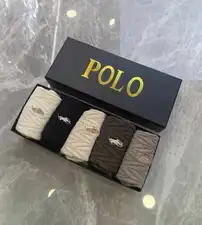 Accessories
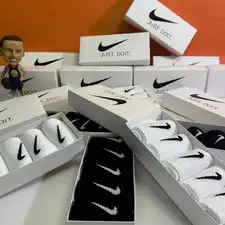 Accessories
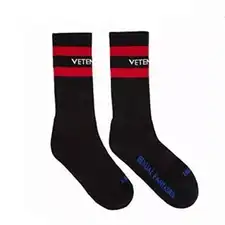 Accessories
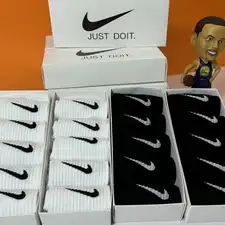 Accessories
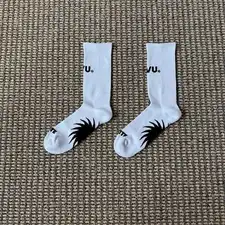 Accessories
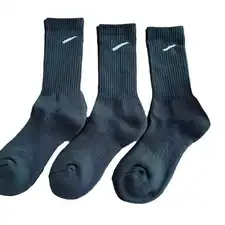 Accessories
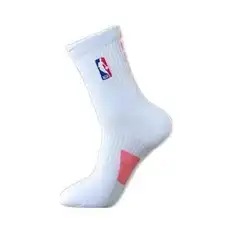 Accessories
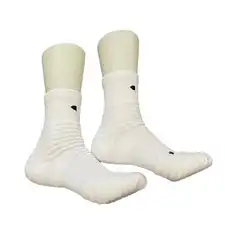 Accessories
Compare the listing details, shipping options and the QC photos available for your item.
Compare bag dimensions, strap length, closures, included pieces and the material claims on the seller listing. For jewelry and watches, confirm size, quantity and any electronics or battery content.
Check what one unit includes. A bag may list a separate strap or pouch, and similar images can show several sizes. For a gift or a matching set, record the pieces and quantities you actually selected.
Open a product to compare the seller listing and available options. Record the Weidian ID, selected size or model, color and quantity so you can check the warehouse photos against the actual order.
Check the route for the actual item type. A structured bag may need protective packing, while a battery-powered accessory may have different eligibility. Verify the route before grouping it with other goods.
Use the same destination and item quantity when you compare packing choices. Save the estimate date, route, chargeable weight and outside dimensions. Recheck the route after packing or if you add another item, and check whether extras are included in the quote.
Seller-to-warehouse delivery and international shipping are separate charges. Enter your destination, actual item type and packed weight in kilograms, then add outer parcel dimensions in centimeters. Compare available routes and confirm the current quote on Pikobuy before paying.
Check closures and hardware, attachment points, corners, finish and all included accessories. For a fitted accessory or a bag opening, request a measurement with both points visible.
Ask for a photo showing all included pieces, closure hardware and the usable opening width. If a watch or accessory contains a battery, verify the line accepts that item type before combining it with other goods.